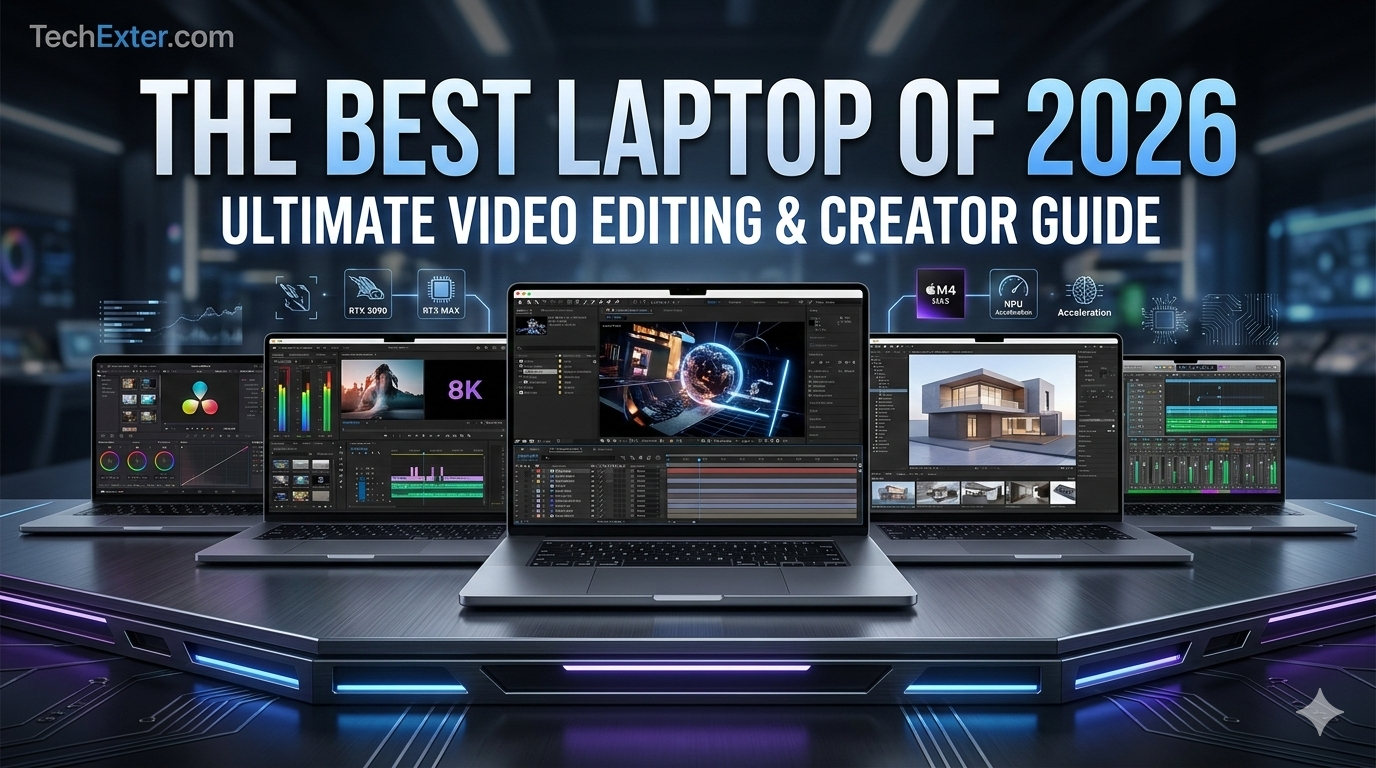

Hello and welcome back to TechExter! To be honest, it’s become a daunting task choosing a laptop for video editing recently. We’re no longer just talking about ‘high-speed processors’; we’re talking about NPUs for AI-powered rendering and memory bandwidths that match our thought processes! Whether you’re working on 8K RED RAW footage in DaVinci Resolve or just trying to get a YouTube video edited in Premiere without sounding like a jet engine is taking off from your laptop, it’s essential for your peace of mind. Let’s get into the best laptops of 2026, checking their specs as well as their prices so you can stop browsing and get creating!
Table of Contents
The 2026 Video Editing Landscape: What Changed?
Before we examine the different models, it’s essential to understand the uniqueness of the latest laptops.
- The Rise of the NPU (Neural Processing Unit)
The latest Apple M4 series, as well as the AMD Ryzen AI 9 chips, have a dedicated hardware component to accelerate artificial intelligence workloads. Video editors like Premiere’s ‘Speech to Text,’ ‘Scene Edit Detection,’ DaVinci Resolve’s ‘Magic Mask,’ or ‘AI Voice Isolation’ will be much quicker without taxing the central processing unit or the graphics processing unit. - Next-Gen GPUs (NVIDIA RTX 50-Series & Apple M4 Max)
Massive improvements have come with the NVIDIA RTX 50-series, such as the NVIDIA RTX 5090 Laptop GPU, thanks to the massive boost they bring to the speed of the VRAM and the hardware encoding capabilities. The Apple M4 Max, on the other hand, has the potential for going up to 40 GPU cores with the addition of dedicated ProRes encode/decode engines, so you can scrub through multiple streams of 4K or 8K ProRes video without dropping a single frame. - Display Technology Peaks
OLED and Mini LED displays have reached maturity. Now, we are seeing laptops that offer peak HDR brightness as high as 1000 to 1600 nits, 100 percent coverage of the DCI P3 color gamut, and factory calibration right out of the box. That means that you can color-grade HDR content on the go without the need to lug an external reference display.
The Best Video Editing Laptops in 2026
The Undisputed Champion of Efficiency and Power
Apple still reigns supreme when it comes to mobile video editing tools. The 16-inch MacBook Pro, with the M4 Max chip, is a technological tour de force. What really sets this computer apart is that it offers the same level of performance whether it is plugged into the wall or using battery power, something that Windows computers have yet to achieve.
Real-World Editing Performance:
If your work is centered around Final Cut Pro or Premiere Pro, the M4 Max’s media engines will change your life. The M4 Max includes hardware acceleration for H.264, HEVC, ProRes, and AV1. Play back multiple streams of 8K video seamlessly. With the unified memory architecture up to 128GB, which is a staggering 546GB/s bandwidth, the CPU and GPU share the same memory pool. This eliminates the need for moving memory back and forth.
The Display:
The Liquid Retina XDR (Mini-LED) display is simply stunning. It has 1000 nits of constant brightness and 1600 nits of peak brightness for HDR content. It also has adaptive 120Hz ProMotion, making scrubbing through your timeline feel super smooth and snappy. Apple also released a nano texture display this year that significantly reduces glare if you often work outside or in well-lit studios.
Pros:
- Unmatched battery life (up to 24 hours).
- Zero performance drop on battery power.
- Incredible sustained performance with virtually no fan noise.
- Class-leading speakers and a studio-quality microphone array.
Gemini said
Welcome back to TechExter! I completely understand how overwhelming it can be to choose the perfect video editing laptop. The landscape has shifted dramatically in 2026. We are no longer just looking at raw clock speeds; we are looking at Neural Processing Units (NPUs), AI-accelerated rendering, extreme memory bandwidth, and displays that rival professional studio monitors.
Whether you are cutting high-bitrate 8K RED RAW footage in DaVinci Resolve, juggling heavy After Effects compositions, or knocking out quick YouTube edits in Premiere Pro, investing in the right machine is critical to your workflow and your sanity.
Let’s dive deep into the best video editing laptops available right now, comparing their specifications, prices, and real-world performance to help you make the best decision for your creative needs.
The 2026 Video Editing Landscape: What Changed?
Before we look at specific models, it is important to understand what makes the current generation of laptops so special.
The Rise of the NPU (Neural Processing Unit)
Both Apple’s M4 series and AMD’s Ryzen AI 9 chips now feature dedicated hardware for artificial intelligence tasks. For video editors, this means features like Adobe Premiere’s Speech-to-Text, Scene Edit Detection, and DaVinci Resolve’s Magic Mask or AI voice isolation run significantly faster without bogging down your main CPU or GPU.
Next-Gen GPUs (NVIDIA RTX 50-Series & Apple M4 Max)
NVIDIA’s RTX 50-series (like the RTX 5090 Laptop GPU) has brought massive improvements in VRAM speed and hardware encoding. They feature dedicated dual AV1 encoders, slashing export times. Meanwhile, Apple’s M4 Max pushes up to a 40-core GPU with dedicated ProRes encode/decode engines, allowing you to scrub through multiple streams of 4K or 8K ProRes footage without dropping a single frame.
Display Technology Peaks
OLED and Mini-LED technologies have matured. We are now seeing laptops with 1000 to 1600 nits of peak HDR brightness, 100% DCI-P3 color gamut coverage, and factory calibration right out of the box. This means you can confidently color grade HDR content on the go without needing an external reference monitor.
Deep Dive: The Best Video Editing Laptops in 2026
Apple MacBook Pro 16-inch (M4 Max)
The Undisputed Champion of Efficiency and Power
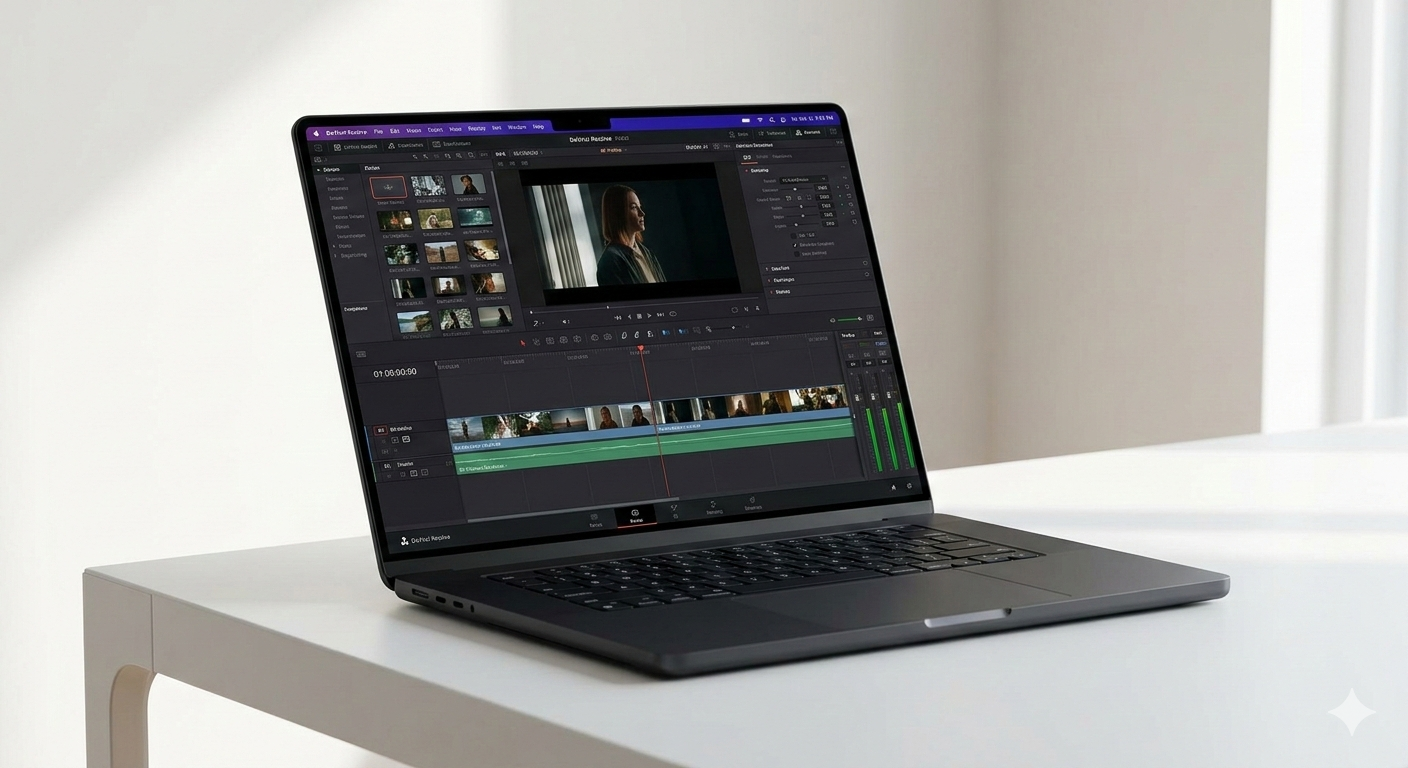
Apple continues to set the gold standard for mobile video editing. The 16-inch MacBook Pro configured with the M4 Max chip is a technological marvel. What makes this laptop truly special is that it offers the exact same performance whether it is plugged into a wall or running on battery power—a feat Windows laptops still struggle to match.
Real-World Editing Performance:
If your workflow revolves around Final Cut Pro or Premiere Pro, the M4 Max’s dedicated media engines will change your life. It features hardware acceleration for H.264, HEVC, ProRes, and AV1. You can seamlessly playback multiple streams of 8K video. The unified memory architecture (configurable up to 128GB with a staggering 546GB/s bandwidth) means the CPU and GPU share the same memory pool, eliminating the bottleneck of transferring data back and forth.
The Display:
The Liquid Retina XDR (Mini-LED) display is breathtaking. It offers 1000 nits of sustained brightness and 1600 nits of peak brightness for HDR content. With adaptive 120Hz ProMotion, scrubbing through your timeline feels incredibly fluid and responsive. Apple also introduced a nano-texture display option this year, which drastically reduces glare if you frequently edit outdoors or in brightly lit studios.
Pros:
Unmatched battery life (up to 24 hours).

Zero performance drop on battery power.

Incredible sustained performance with virtually no fan noise.

Class-leading speakers and a studio-quality microphone array.
Cons:
- Extremely expensive, especially when upgrading unified memory or storage.
- Upgrades must be chosen at the time of purchase; nothing is user-upgradable.
Asus ProArt P16 (2026 / H7606)
The Ultimate Windows Workstation & Color Grader’s Dream
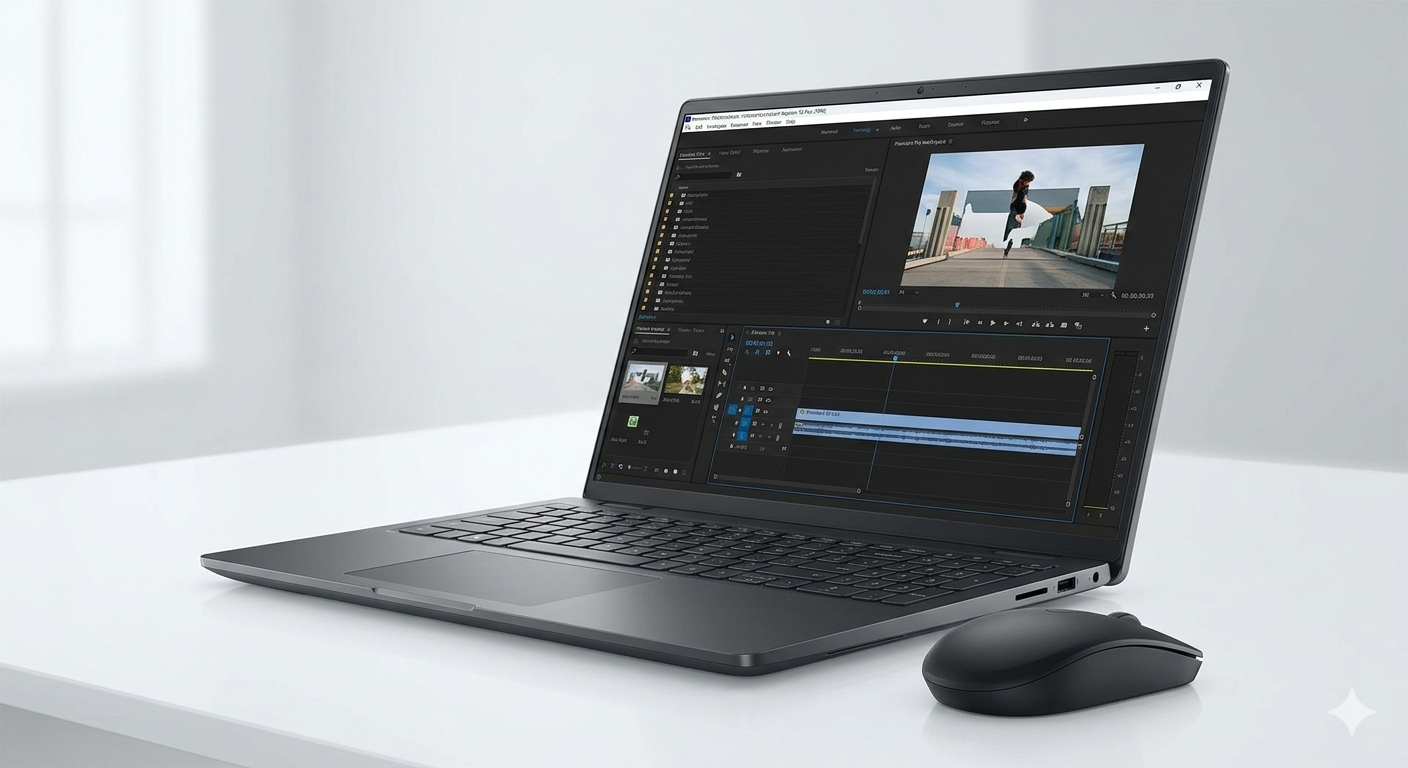
If you’re invested in the Windows ecosystem and heavily utilize the GPU-accelerated visual effects in both DaVinci Resolve and Adobe After Effects, the Asus ProArt P16 is arguably the best creator laptop available. Not only has Asus designed this laptop with the creator in mind, but they’ve also skipped the gamer aesthetic in favor of a sleek nano-black aluminum design.
Real-World Editing Performance:
With the power of the AMD Ryzen AI 9 HX 370 processor and up to NVIDIA GeForce RTX 5090 Laptop GPU (boasting an enormous 24GB of GDDR7 VRAM), this laptop is a rendering beast. This 24GB of VRAM is obviously important to video editors who need to work with demanding 8K content, 3D rendering, or intense temporal noise reduction in DaVinci Resolve. It also boasts up to 50 TOPS of NPU performance to handle AI tasks with ease.
One of the standout hardware features is the inclusion of the Asus DialPad on the trackpad. This dial can be assigned to a variety of functions within Adobe apps, such as zooming into a timeline, changing brush sizes, adjusting the color wheel, etc., which can greatly speed up your workflow.
The Display:
ProArt P16 has the best available 16-inch 4K OLED screen at a resolution of 3840 x 2400 pixels. It has a Delta E < 1 rating, which means the color accuracy is flawless to the human eye. It has 100 percent coverage of the DCI-P3 color space and VESA DisplayHDR True Black 1000 rating. For color graders, it is the perfect screen as it has true blacks.
Pros:
Desktop-class GPU performance with the RTX 5090.

24GB of VRAM is perfect for heavy 3D/VFX workflows.

The 4K OLED display is visually flawless.

Asus DialPad is a genuine workflow enhancer.

User-upgradable dual NVMe SSD slots.
Cons:
Battery life takes a massive hit when rendering or using the dedicated GPU.
Performance throttles slightly when unplugged.
The glossy OLED screen can be highly reflective in bright environments.
Lenovo Legion Pro 7i Gen 10
The High-End Hybrid (Editor by Day, Gamer by Night)
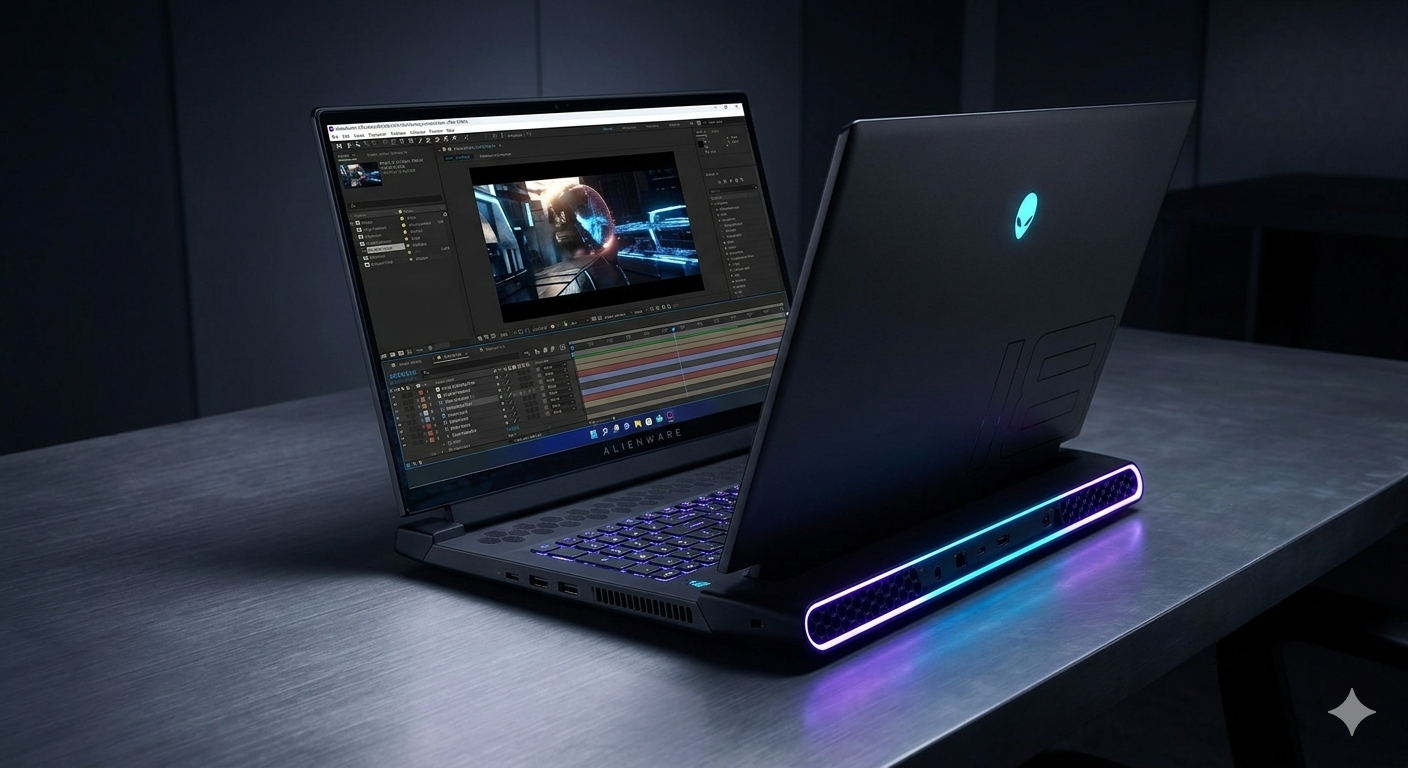
While both the Asus ProArt and MacBook Pro are designed for creators, many video editors also want their pricey equipment to be used for gaming. Lenovo’s Legion Pro 7i Gen 10 is a laptop that perfectly straddles both worlds. Although it is a gaming laptop, it is also a formidable video editing machine just as much as it is a formidable gaming machine.
Real-World Editing Performance:
Boasting Intel’s latest high-performance HX-series processors along with NVIDIA’s latest RTX 50-series graphics cards up to an RTX 5080 or 5090, the Legion Pro 7i is capable of incredible sustained video export speeds. Lenovo’s ColdFront thermal management system utilizes a massive vapor chamber as well as liquid metal for heat transfer, ensuring this laptop is capable of running the CPU and GPU at maximum wattage without any throttling during long multi-hour video exports.
The Display:
Lenovo has provided a fantastic 16-inch IPS display with a 240Hz refresh rate and accurate colors (100% sRGB and DCI-P3). It may not have the true blacks of an OLED or the HDR brightness of Apple’s Mini-LED, but it has incredibly accurate and matte video with a high refresh rate, which is more than enough for Rec.709 video editing.
Pros:
Unbeatable sustained thermal performance for long rendering tasks.

High refresh rate display is excellent for gaming and smooth timeline scrubbing.

Excellent selection of rear-facing ports to keep your desk tidy.

Usually more affordable than dedicated "Creator" laptops.
Cons:
It is heavy and bulky.

The large power brick reduces portability.

Battery life is very poor (expect 3 to 5 hours of light use at best).
Dell XPS 16 (2026)
The Sleek, Minimalist Windows Alternative
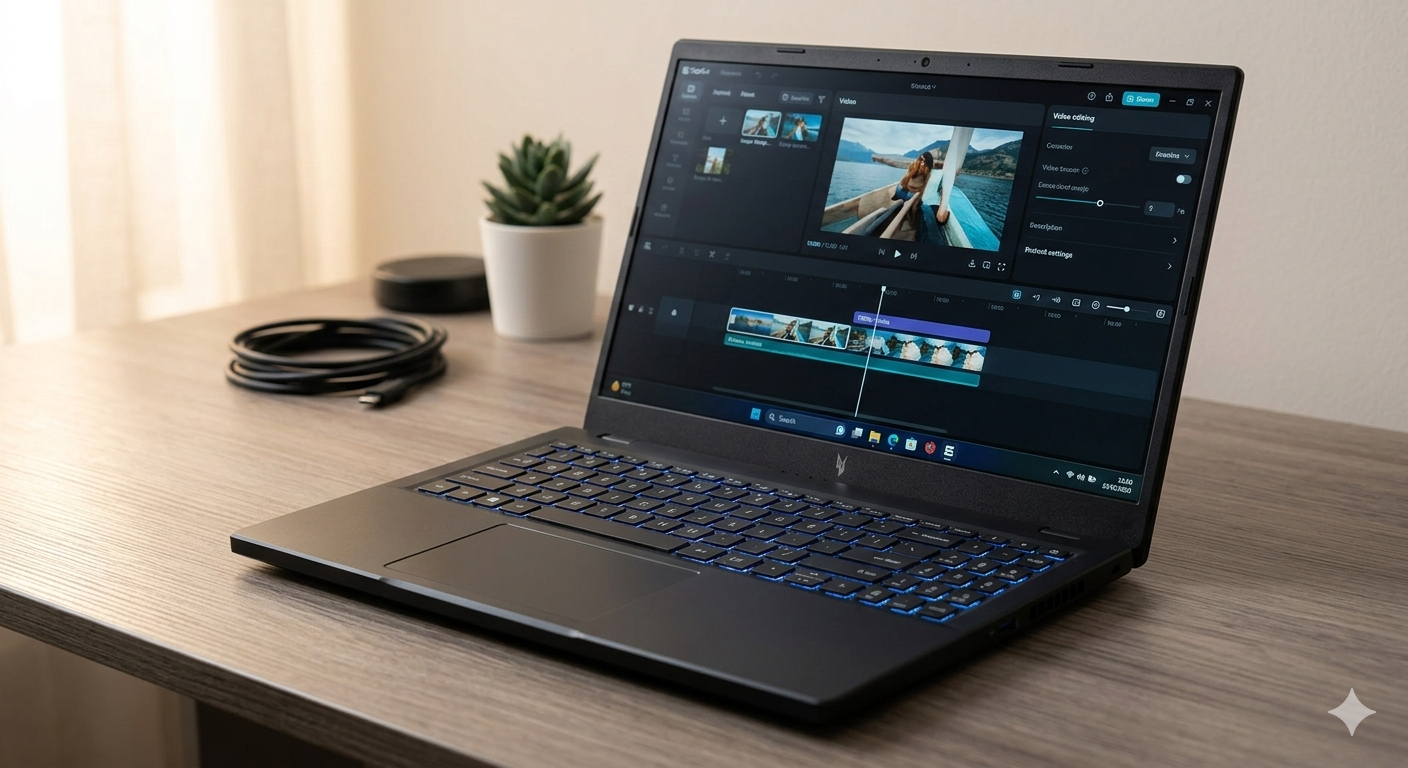
For the editor who wants MacBook-like aesthetics but needs Windows, the Dell XPS 16 remains a top contender. It is beautiful, CNC-machined from aluminum, and features Dell’s futuristic (though sometimes controversial) invisible trackpad and capacitive function row.
Real-World Editing Performance:
The XPS 16 balances performance with ultra-portability. It typically maxes out at an NVIDIA RTX 5070 or 5080. While it might not match the raw exporting speed of the thicker Legion Pro 7i or the ProArt P16 due to thermal constraints (lower total wattage), it easily chews through 4K Premiere Pro timelines. The Intel Core Ultra processors provide excellent power efficiency and feature their own dedicated NPUs for background AI tasks.
The Display:
Dell’s InfinityEdge OLED touch display remains one of the best in the business. The bezels are practically non-existent, giving you maximum screen real estate in a surprisingly compact chassis. The colors pop, and the contrast is infinite.
Pros:
Gorgeous, premium build quality.
Excellent OLED display option with ultra-thin bezels.
Better battery life than most Windows competitors thanks to Intel Core Ultra efficiency.
Cons:
Limited port selection (relies heavily on Thunderbolt / USB-C).

The capacitive touch function row lacks tactile feedback, which can frustrate editors who use a lot of keyboard shortcuts.

Thermal throttling occurs quicker than on thicker laptops.
Specification & Price Comparison Table
In order to give you an idea of the specifications of the top-end configurations of the recommended laptops, we present the following comparison table. (Please note that the prices mentioned below are approximate starting prices for the high-end configurations of the recommended laptops, in US Dollars, as of early 2026).
| Feature | Apple MacBook Pro 16 (M4 Max) | Asus ProArt P16 (2026) | Lenovo Legion Pro 7i Gen 10 | Dell XPS 16 (2026) |
| Processor (CPU) | Apple M4 Max (16-core) | AMD Ryzen AI 9 HX 370 (12-core) | Intel Core Ultra 9 / i9 HX | Intel Core Ultra 9 |
| Graphics (GPU) | 40-core Apple GPU | NVIDIA RTX 5090 (24GB VRAM) | NVIDIA RTX 5080 / 5090 | NVIDIA RTX 5070 / 5080 |
| Memory (RAM) | Up to 128GB Unified | 64GB LPDDR5X | Up to 64GB DDR5 | Up to 64GB LPDDR5x |
| Storage | Up to 8TB SSD | Up to 4TB (Dual Slot) | Up to 4TB (Dual Slot) | Up to 4TB SSD |
| Display | 16.2″ Mini-LED (3456×2234), 120Hz, 1600 nits HDR | 16″ OLED Touch (3840×2400), 120Hz, 100% DCI-P3 | 16″ IPS (2560×1600), 240Hz, 100% DCI-P3 | 16.3″ OLED Touch (3840×2400), 90Hz |
| Battery Capacity | 100 Wh | 90 Wh | 99.9 Wh | 99.5 Wh |
| Weight | 4.73 lbs (2.15 kg) | 4.3 lbs (1.95 kg) | ~6.1 lbs (2.8 kg) | 4.8 lbs (2.2 kg) |
| Estimated Price | ~$3,499+ (Max Configs) | ~$2,799 – $3,999 | ~$2,599 – $3,299 | ~$2,899+ |
The Ultimate Buyer’s Guide: What Specs Actually Matter for Video Editing?
When you’re building your own computer or looking at different computers, it’s vital that you know where to spend your money on. Do you need more RAM, or should you spend more on the CPU? Here’s a list of the different computer parts that impact your video editing experience.
CPU (The Brain) vs. GPU (The Muscle)
Video editing has always relied on the CPU, but nowadays, video editing software like DaVinci Resolve, Premiere Pro, Final Cut Pro, etc., make heavy use of the GPU for encoding, decoding, and effects rendering.
When to prioritize CPU: If working primarily in heavily compressed codecs such as H.264 or H.265/HEVC, and the software does not have hardware decoding support for that particular 10-bit or 12-bit codec, the CPU will be working hard just to play the timeline. A high core count, such as 12 to 24 cores, will be needed to make playback smooth and to make navigation in the interface responsive.
When to prioritize GPU: If your timeline has a lot of color grading nodes, optical flow speed ramps, noise reduction, motion blur, and 3D effects, then your GPU is the bottleneck. If you’re a Windows user, the recommended NVIDIA card would be the NVIDIA RTX 4070/5070 or higher. The more VRAM, the better! 8GB of VRAM is the bare minimum these days, but 16GB+ would be perfect for 6K/8K work.
RAM (Random Access Memory)
Your laptop’s RAM is its short-term memory. When you import a video into your NLE, the video is cached into the RAM, which allows it to play back immediately.
16GB: The absolute minimum to work with 1080p and light 4K projects. You will experience stuttering if you have other applications open in the background (such as Chrome and Adobe After Effects).

32GB: The recommended amount of RAM for most professional 4K editors.

64 to 128GB: Required if you work extensively with motion graphics using Adobe After Effects, have multi-camera 8K projects, or work with complex 3D rendering software.
Note on Apple Silicon
Apple calls their RAM architecture “Unified Memory,” which dynamically allocates RAM to the CPU and the GPU. Having 18 or 24GB of RAM on a Mac is more than the 16GB on a Windows machine, but I would still advise that if you plan on purchasing a MacBook Pro, it would be worthwhile to go with 36GB+ RAM.
Storage: Speed and Scratch Disks
You’re dealing with huge video files here. You’re going to want a very fast NVMe PCIe Gen 4 (or Gen 5) SSD.
Capacity: Don’t get a video editing laptop with less than 1TB internal storage. OS files, programs, and cache files will use up 500GB right away. 2TB to 4TB capacity is highly recommended.

Scratch Disk: Professionals do this. They separate their data. OS and NLE programs stay on the main drive. Then they use an external Thunderbolt 4 or USB4 SSD (e.g., Samsung T9 or SanDisk Extreme Pro) as the “scratch disk” to store the raw video files and cache. This way, the internal drive isn’t the bottleneck.
The Display: Accuracy is Everything
You can have the fastest laptop around but if your colors are wrong, your video is wrong.
OLED: True blacks and infinite contrast ratio. Great for HDR grading. However, there is the risk of burn-in if static elements (e.g., Premiere Pro timeline) are left at maximum brightness for years.

Mini-LED (Apple's Liquid Retina XDR): Achieves incredibly high peak brightness (up to 1600 nits) without the risk of burn-in like OLEDs. Best for HDR delivery.

IPS: The standard. It does not have the extreme contrast of an OLED/Mini-LED display but has excellent color accuracy and reliability. It should have 100% sRGB and high DCI-P3 color space.
Thermal Throttling and Chassis Size
You cannot beat the laws of physics. A razor-thin laptop may have the same Intel Core Ultra 9 processor as a thick and heavy laptop, but the thin laptop will have much lower performance in exporting a 20-minute video. Why? Because the thin laptop will artificially slow down its processor to prevent overheating and damage to the processor, known as thermal throttling. If your business translates to money saved in exporting video, then choose a laptop that is slightly thicker and has better cooling fans and vapor chambers.
Pro Tips: Optimizing Your Laptop for Editing
Even with a $4,000 laptop, 8K RAW footage may cause stuttering unless optimized properly. Here are three ways to optimize your workflow:
Use Proxy Workflows:
 When your timeline is stuttering, create proxies! Proxies are low-resolution files that are easy to read but have the same information as your original files, like Apple ProRes Proxy or H.264 720p. You'll be editing proxies, but when you hit the export button, the software will render the final video using the original files.

Clear Your Media Cache:
 Some video editing software, like Adobe Premiere Pro, creates hidden files on your computer to make the video editing experience faster. Over time, this may cause your computer to slow down, especially if you have hundreds of gigabytes of files on your computer. It's good practice to clear your media cache under your software preferences.

Plug It In:
 For Windows laptops, make sure to always plug your computer into the wall when editing! Windows limits the CPU and GPU wattage of your computer when on battery to save battery life.
Conclusion:
At the end of it all, the best laptop for you is dependent on your primary software use. If you’re a traveler who works on planes and in coffee shops, the MacBook Pro 16 (M4 Max) is the undisputed king when it comes to battery life. If you’re a content creator who works with heavy GPU rendering and 3D modeling, but prefer the flexibility of a Windows machine, the Asus ProArt P16 is the king of all workstations.