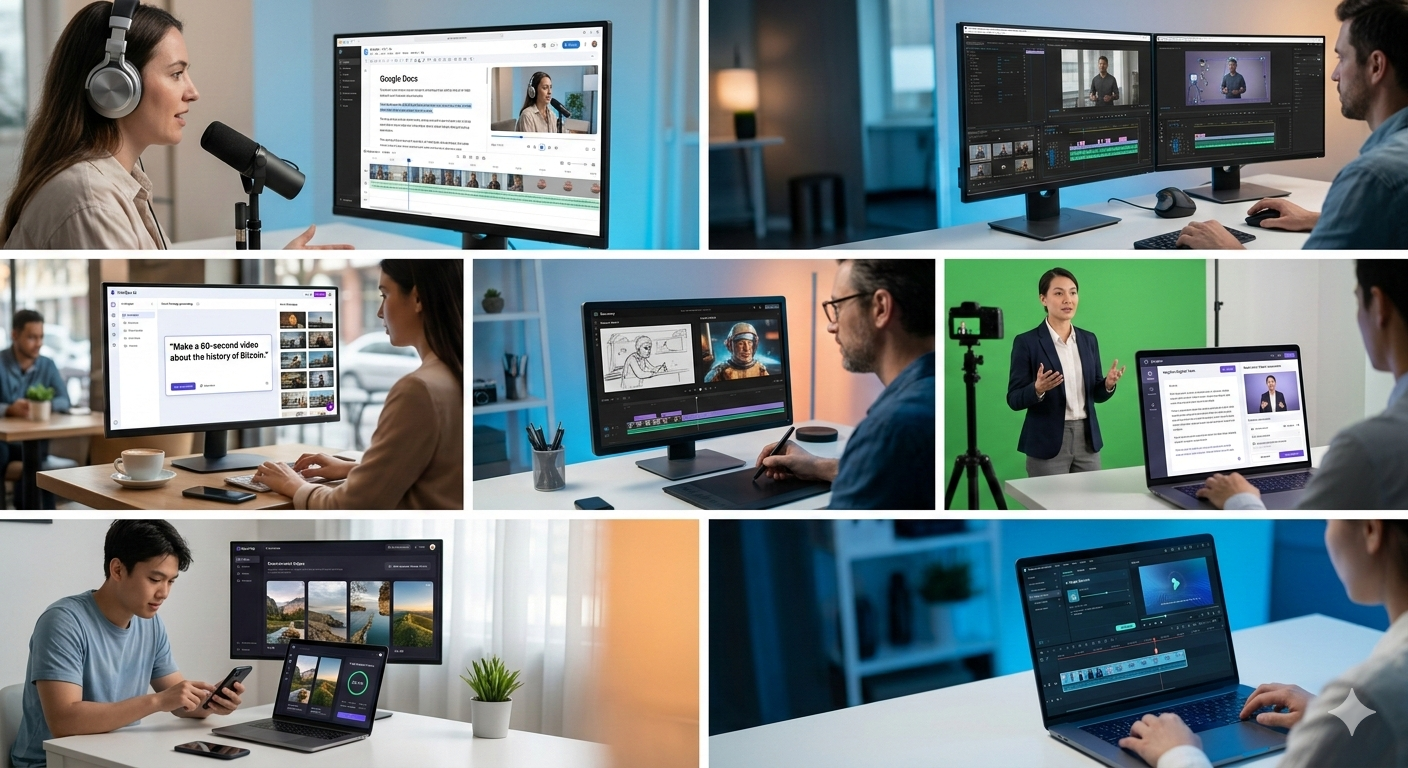

In 2026, the phrase “fix it in post” has a whole new meaning. Gone are the days of losing a Saturday scrubbing through raw footage just to find a three-second clip, or the nightmare of manually masking a moving subject frame-by-frame.
AI hasn’t just entered the editing room; it’s basically taken over the “grunt work” that used to kill your creative flow. Whether you’re a YouTuber, a marketing pro, or a filmmaker, these 7 AI video editors are the current gold standard for getting your time back.
Descript: The “Google Docs” of Video
If you can edit a Word document, you can edit a video with Descript. It’s still the undisputed king for talking-head content and podcasts.
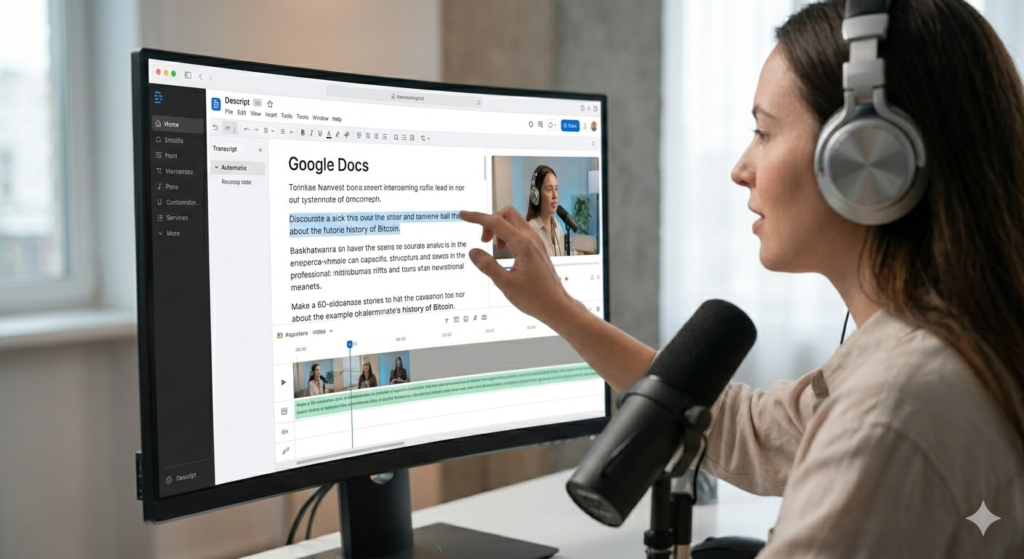
The Time-Saver: Descript transcribes your video instantly. To delete a "flub" or a boring tangent, you just highlight the text in the transcript and hit delete—the video edits itself.

The 2026 Edge: Meet "Underlord," your AI co-pilot. You can literally tell it, "Remove the 'ums,' add captions, and turn this 20-minute interview into three viral TikToks." It does in seconds what used to take an entire afternoon.
Adobe Premiere Pro: The Pro’s Jet Engine
Adobe didn’t try to reinvent the wheel; they just supercharged it. Premiere Pro is still the industry heavyweight, but its Adobe Sensei integration now handles the most tedious manual tasks for you.
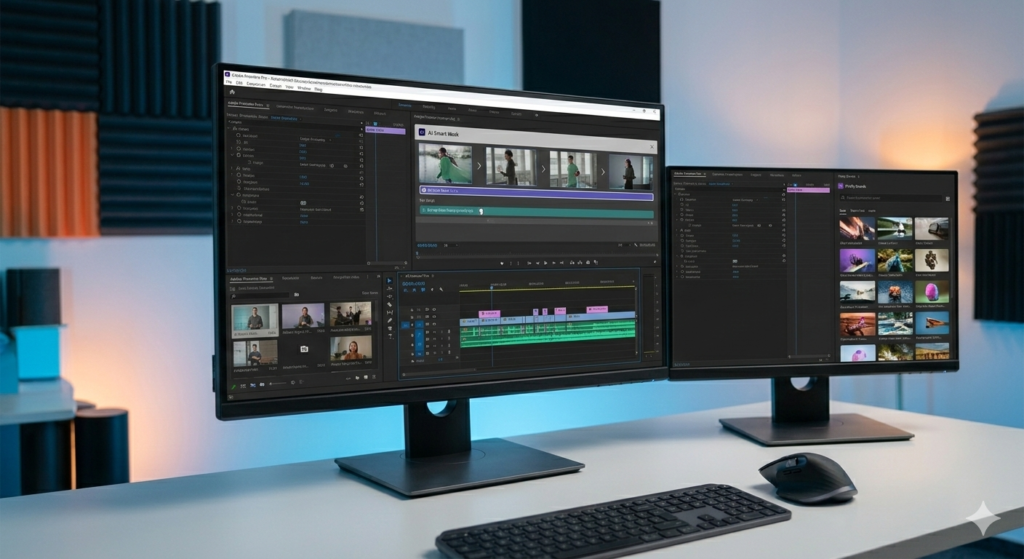
The Time-Saver: AI-Powered Object Masking. Need to blur a face or isolate someone walking through a crowd? Just click them once. The AI tracks and masks them roughly 20x faster than the old-school manual way.

The 2026 Edge: Firefly Boards. This lets you generate AI storyboards and B-roll right inside your project panel. You can drag AI-generated assets straight onto your timeline without ever leaving the app.
InVideo AI: Prompt-to-Publish in Minutes
InVideo AI is built for speed. It’s the “fast-track” option—perfect for when you need high-quality content ready right now.

The Time-Saver: You don't start with a blank timeline; you start with a conversation. Tell it, "Make a 60-second video about the history of Bitcoin for Instagram," and it handles the script, stock footage, voiceover, and music.

The 2026 Edge: Magic Box Editing. Don't like a clip? Just type, "Make the music more upbeat" or "Replace scene 3 with a drone shot of a city," and it updates instantly.
Runway (Gen-3 Alpha): The Creative Director’s Dream
Runway is where high-end filmmaking meets pure imagination. It’s less about “fixing” video and more about “creating” it from scratch or transforming boring clips into something cinematic.
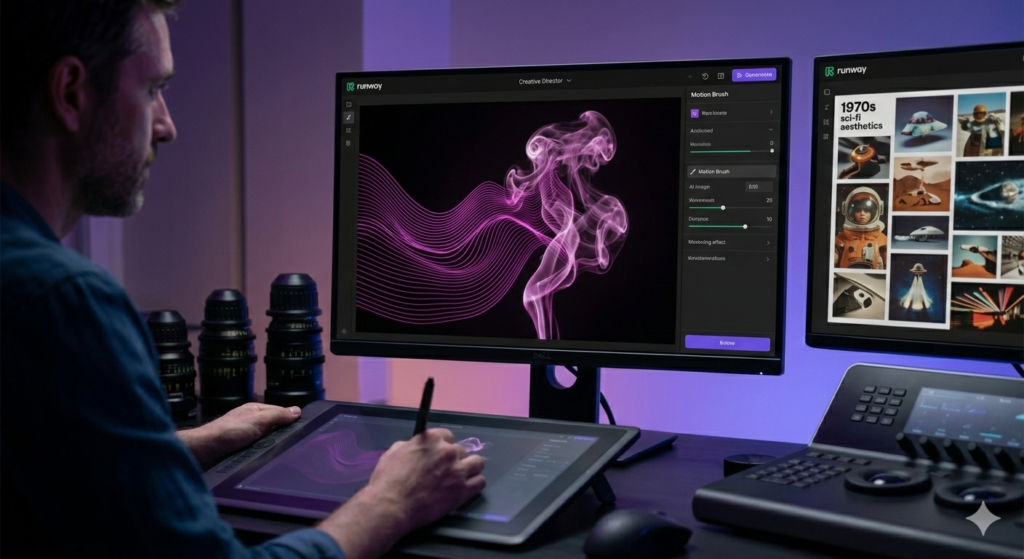
The Time-Saver: Video-to-Video Transformation. You can film a rough sketch on your phone and tell Runway to make it look like a 1970s sci-fi film. It fills in the aesthetic gaps for you.

The 2026 Edge: Motion Brush. This gives you granular control over how things move in your AI clips, getting rid of that "weird AI melting" look and keeping things professional.
HeyGen: The King of Digital Twins
If you need to be in ten places at once, HeyGen is your best friend. It’s the leader in AI Avatars and Video Translation.
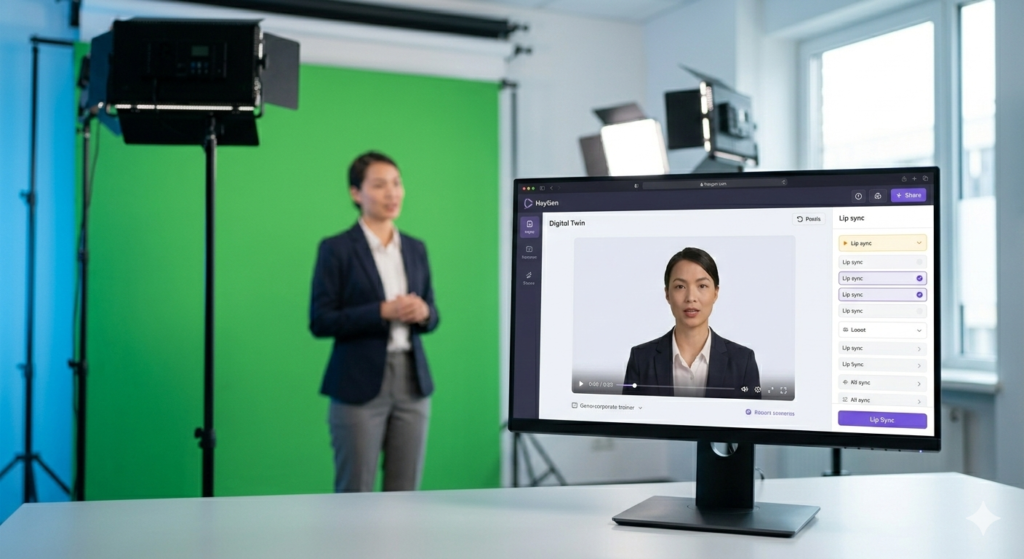
The Time-Saver: No more setting up lights and mics for every quick update. Use your "Digital Twin" (a hyper-realistic AI version of you) to deliver scripts while you focus on other work.

The 2026 Edge: Real-time Video Translation. Upload a video of you speaking English, and HeyGen translates it into 175+ languages. It clones your voice and re-animates your lips so perfectly it’s almost spooky.
OpusClip: The Viral Factory
For anyone making long-form content like podcasts or webinars, OpusClip is the ultimate shortcut for social media.
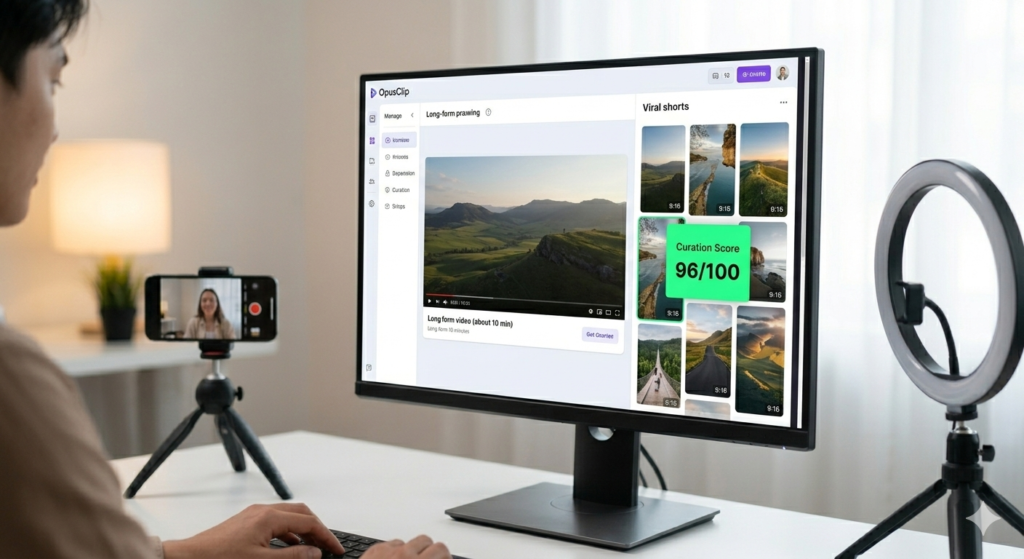
The Time-Saver: It scans your long video, finds the most "viral" moments based on current trends, and automatically crops them into vertical shorts with captions.

The 2026 Edge: AI Curation Score. It gives each clip a score out of 100 based on its likelihood to blow up on TikTok or Reels, so you stop guessing what’s going to work.Filmora has grown from a “starter” app into a powerhouse that’s way more approachable than Premiere Pro.
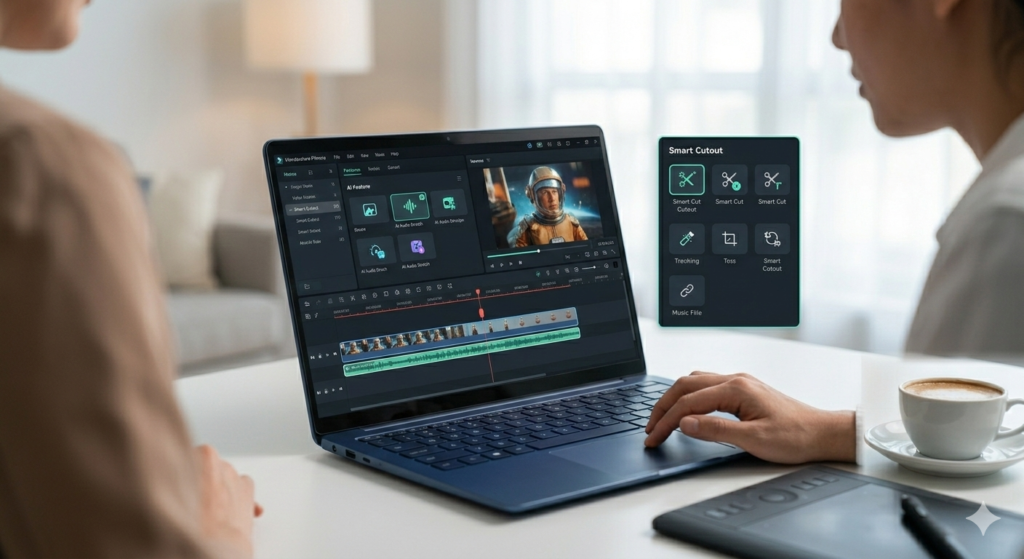
The Time-Saver: AI Smart Cutout and Silence Detection. It automatically scans your footage and cuts out all the "dead air," leaving you with a tight rough cut in seconds.

The 2026 Edge: AI Audio Stretch. If your music is 30 seconds too short, the AI doesn't just loop it; it actually recomposes the song to fit your video’s length perfectly.
Here is a comprehensive table comparing the 7 Best AI Video Editors based on their primary use case, standout AI feature, and who they are actually built for.
| AI Video Editor | Primary Use Case | Standout “Magic” Feature | Best For… |
| Descript | Podcast & Dialogue Editing | Underlord: Text-based video editing and “um” removal. | Podcasters & YouTubers |
| Premiere Pro | Professional Post-Production | Generative Extend: Adding frames to clips using Firefly AI. | Pro Editors & Filmmakers |
| InVideo AI | Rapid Content Creation | Prompt-to-Video: Generates a full video from a single text idea. | Marketers & Small Biz |
| Runway | Visual Effects & Gen-Video | Gen-3 Alpha: High-end cinematic video generation. | Creative Directors & VFX |
| HeyGen | Virtual Presenters | AI Video Translate: Perfect lip-syncing in 175+ languages. | Global Training & Sales |
| OpusClip | Social Media Repurposing | Viral Curation Score: Auto-clips long videos for TikTok/Reels. | Content Creators & Agencies |
| Filmora | All-in-one Creative Suite | AI Audio Stretch: Recomposes music to fit any clip length. | Beginners & Hobbyists |
FAQ:-
The AI Video FAQ (What Everyone is Actually Wondering)
1. Is AI going to replace human video editors by 2026? The short answer? No. The long answer? It’s replacing the boring parts of the job. Think of AI as a high-speed assistant. It can handle the “grunt work”—like cutting out silences, generating captions, or syncing multi-cam shots—in seconds. This frees up human editors to focus on the stuff AI still struggles with: storytelling, emotional pacing, and knowing exactly which “vibe” fits a brand.
2. I’m not a “tech person.” Are these tools too hard to learn? Honestly, that’s the best part about 2026 tech. Most of these tools (especially Descript and InVideo) are built to be as easy as editing a Word document. If you can highlight text and hit “Delete,” you can edit a video. You don’t need to know what a “keyframe” or “bitrate” is to get a professional result anymore.
3. Do I need a super-expensive computer to run these? Not necessarily! Because many of these editors (like HeyGen and Runway) live in the cloud, their servers do all the heavy lifting. You can create a 4K masterpiece on a five-year-old laptop as long as you have a solid internet connection. However, if you’re using Adobe Premiere Pro, you’ll still want a decent amount of RAM (16GB+) to keep things smooth.
4. Is my footage safe? Who “owns” the AI content I make? This is a big one. Most reputable platforms have strict privacy policies, but a good rule of thumb is to check your settings. Many tools allow you to “opt-out” of having your footage used to train their AI models. As for ownership, generally, you own the rights to the videos you export, but always check the fine print—especially if you’re using stock media provided by the app.
5. Why are some of these so expensive? Rendering video and running AI “brains” costs a massive amount of electricity and server power. While $30/month might feel steep, compare it to the cost of hiring a professional editor (who might charge $50–$100 per hour). If these tools save you even two hours a month, they’ve already paid for themselves.
6. Will my YouTube channel get flagged for using AI? YouTube actually encourages AI use, but they value transparency. In 2026, the rule is simple: if your video looks like a real person doing real things but was actually made by AI (like a “Digital Twin”), just check the “Altered Content” box when you upload. Be honest with your audience, and you won’t have any issues.
Final Pro-Tip for You from techexter.com:
Since you are looking to monetize, you could add a small “Verdict” box at the end of this FAQ:
💰 Quick Verdict: > * For Speed: Use InVideo AI.
- For Podcasts: Use Descript.
- For Pro-Level Polish: Use Adobe Premiere Pro.